Authentication
The Core API uses Bearer token authentication.
API tokens are generated through the Core web interface and must be included
in the Authorization header of every request.
Important
- Tokens are displayed only once when created
- Each token is associated with a specific user account
- Tokens inherit the permissions assigned to that user
Store your token securely immediately after generation, as it cannot be viewed again later.
Generate an API Token
To create a new API token, navigate to:
Parameters
| Parameter | Description |
|---|---|
company |
Your registered Core account identifier |
Creating a Token
1. Open the Token Creation Page
Open the token creation page in your browser:
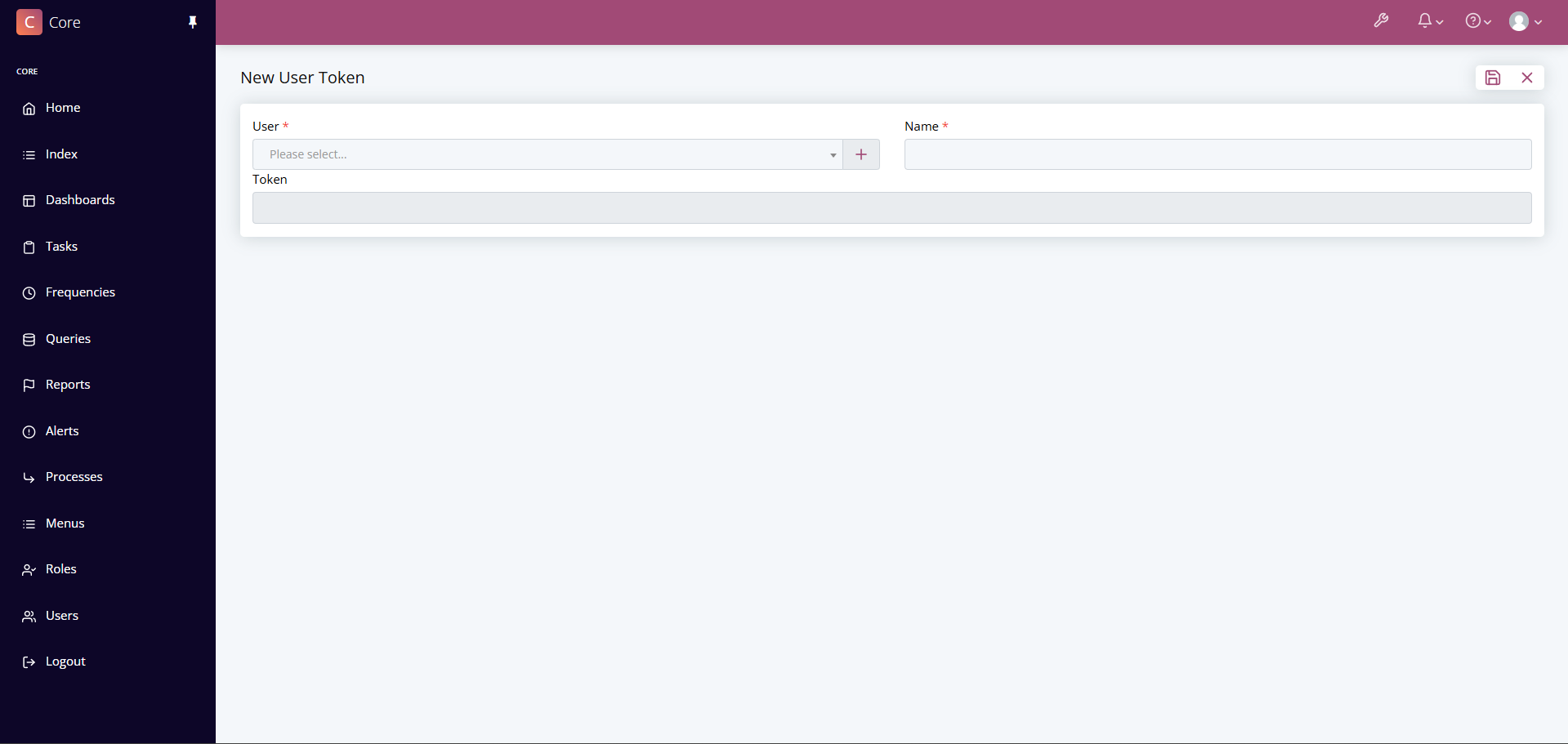
2. Configure the Token
Complete the following fields:
- Select a user from the dropdown list
- Enter a descriptive name for the token
- Click Save to generate the token
3. Copy Your Token
After saving, you will be redirected to the selected user's token page.
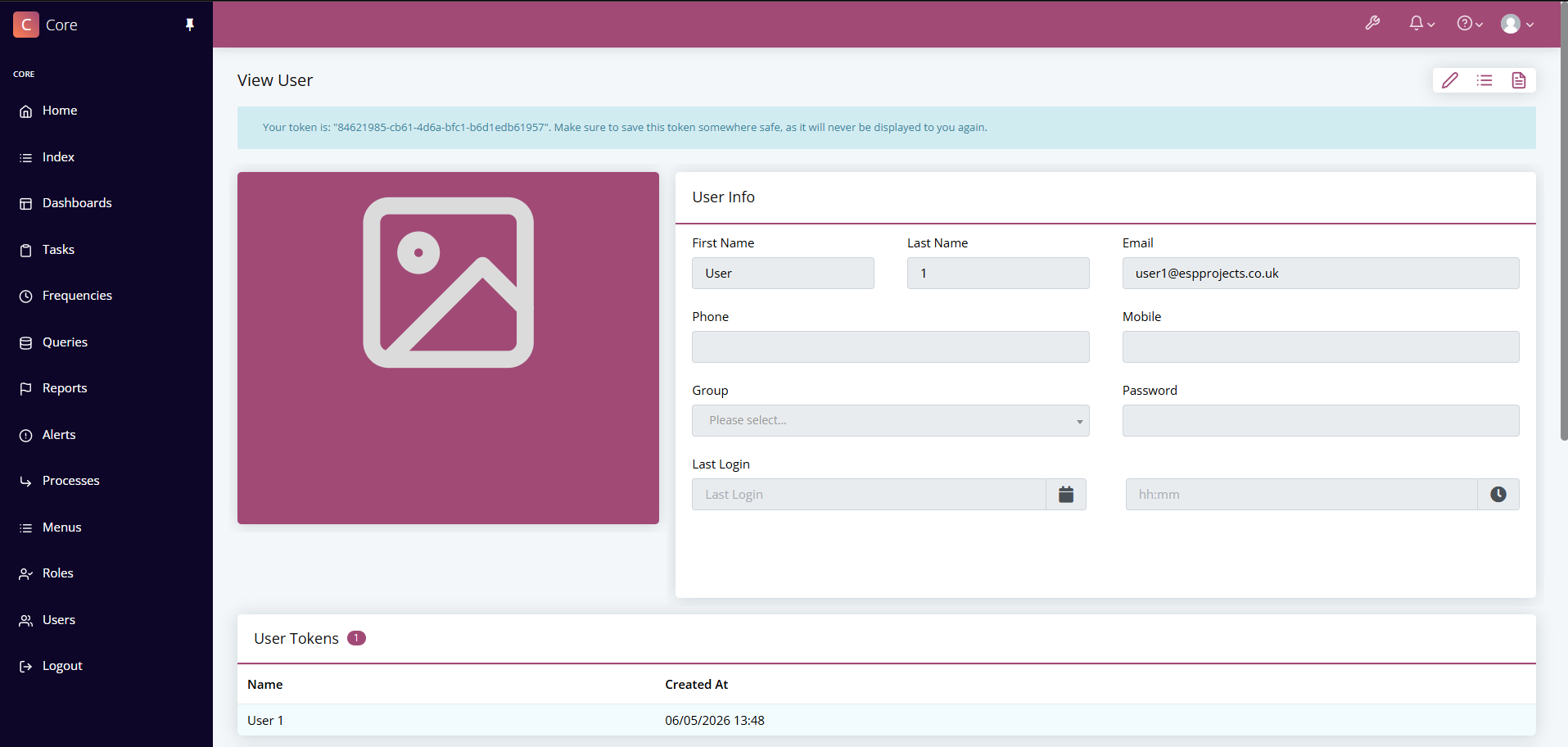
Your newly generated token will be displayed at the top of the page:
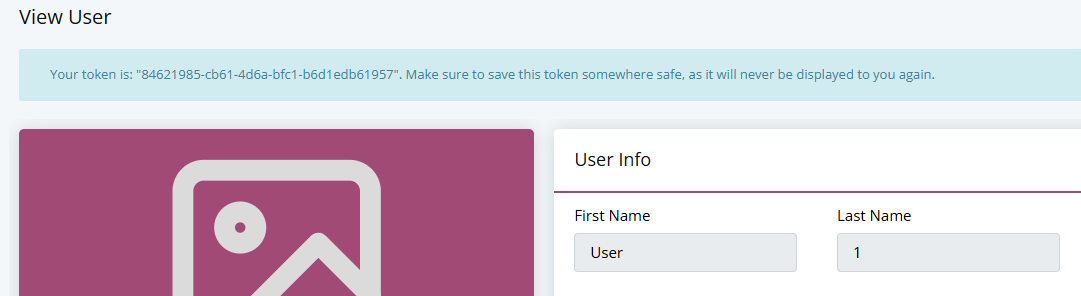
⚠️ API tokens are only displayed once. Copy and store the token securely before leaving the page.